How to get to your book
From code to your own book in five steps. All you need is a phone, tablet or computer with a browser, no app.
Redeem a code now →
Step by step
1–5-
Step 1
Create a pinnry account or sign in
Your book lives in your pinnry account. The account is free, all you need is an email address and a password. After signing up you get an email: one click on the link in it and your account is ready. If you already have a pinnry account, just sign in.
-
Step 2
Enter the code or scan the QR code
Scan the QR code on your card with your phone's camera. This page opens with the code already filled in. Without the QR code, open pinnry.com/lesen/einloesen and type in the code. Confirm that you are at least 18 (our books are for adults) and tap “Redeem now”. Each code works exactly once.
-
Step 3
Open the book on your shelf and read
Your book is now on your bookshelf at pinnry.com/lesen. You read right in the browser, on your phone, tablet or computer. At each fork you decide what happens next, and the book tells your path. Your progress is saved in your account: start on your phone and keep reading on your computer.
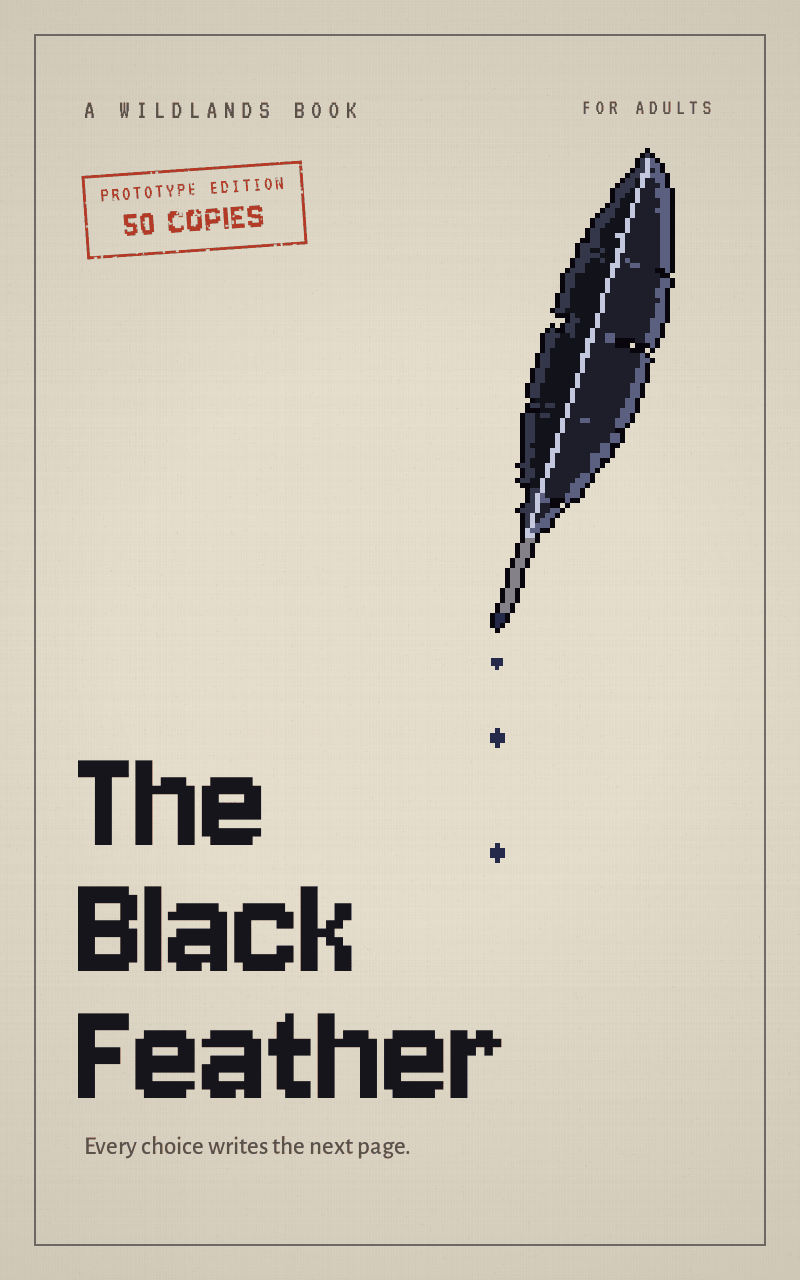
“Aa” at the top of the book opens the display settings: text size, light or dark, pages or scrolling, and the language. Some books open their chapters step by step, the book then shows you when it continues. With “The Black Feather” you first read the short, free prequel “The First Spark”.
-
Step 4
Download as an e-book
In the book, tap “Aa” at the top and then “My book as EPUB”. You'll find the same button at the end of the book. The file contains your own path up to where you are right now, with exactly your decisions. If you read on, simply download it again, as often as you like. The new file replaces the old one.
EPUB is an open e-book format without copy protection. Most e-book readers and reading apps that open EPUB can open the file. You can only make decisions in the browser, the e-book lets you reread your path at your leisure. Your name is on the title page, the file is just for you.
How to get the file onto your e-book reader:
- With a USB cable: Download the file on your computer and connect your reader with a cable. It shows up like a USB stick. Copy the EPUB file onto it, usually into the folder for books, otherwise onto the top level. Then safely disconnect the reader.
- By email or send function: Many readers have their own send-to-device function or their own email address. Send the file there. After the next sync it appears in your library.
- Right on your phone or tablet: Open the downloaded file and choose a reading app that opens EPUB.
-
Step 5
Help
Code not accepted? Check every character or scan the QR code. If it says “already redeemed”, you may be signed in with a different account. No confirmation email? Check your spam folder. For anything else, write to support@beanlings.com with your code or a photo of the card. You'll get a personal reply.
 1
1 2
2 3
3 4
4 5
5